> ## Documentation Index
> Fetch the complete documentation index at: https://ilovecoffee.compute.exchange/docs/llms.txt
> Use this file to discover all available pages before exploring further.
# Test Mode
Test Mode is a simulation environment with mock transactions.
**It allows you to interact with the system, place orders, and test workflows without incurring actual costs. This is ideal for users who want to familiarize themselves with the platform before engaging in real transactions.**
Following the steps below, you can switch Test Mode on or off as needed.
1. Go to the **Settings** menu.
2. Open the **Test Mode** tab.
3. Click the **Enabled** switch.
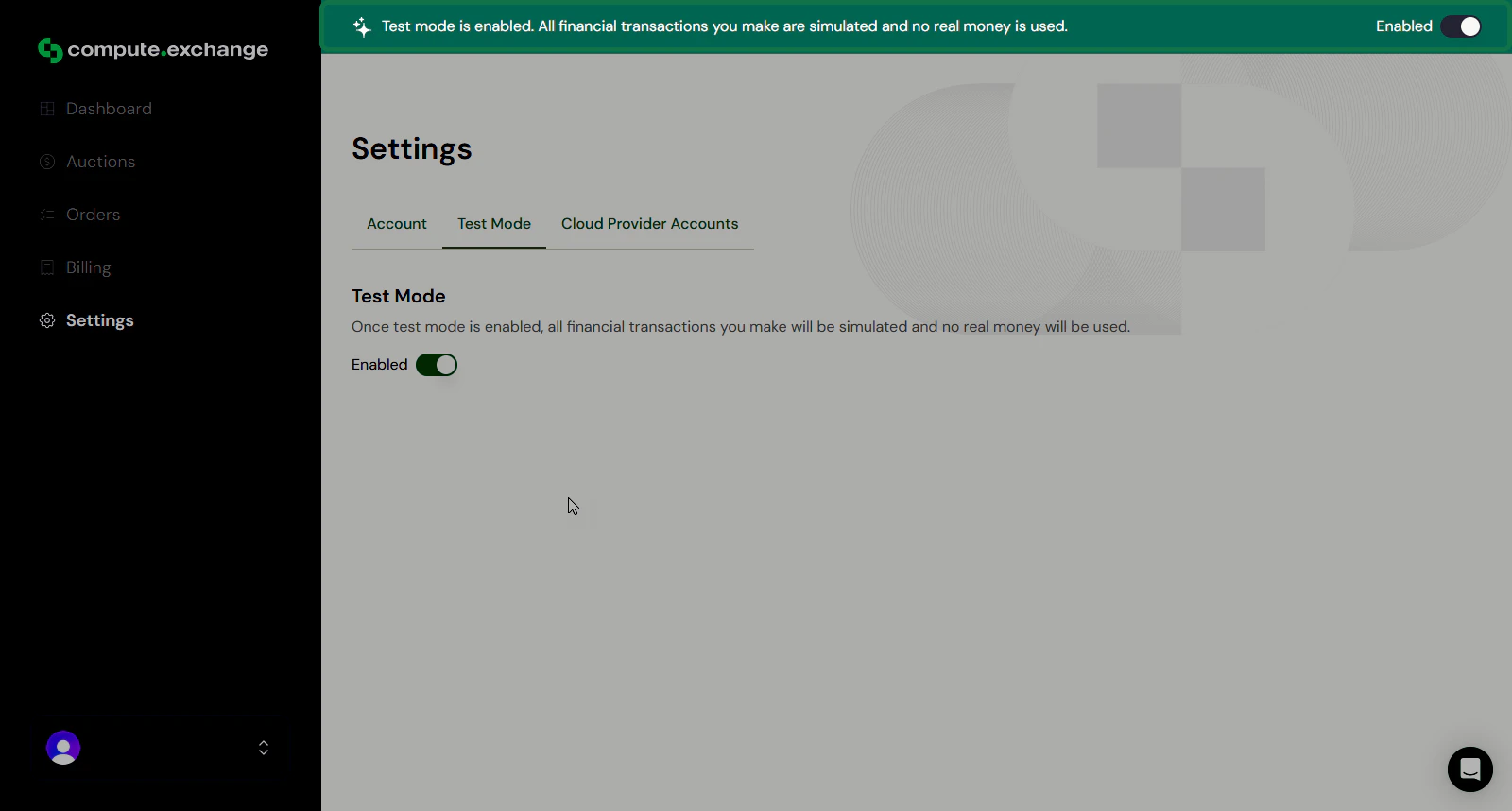
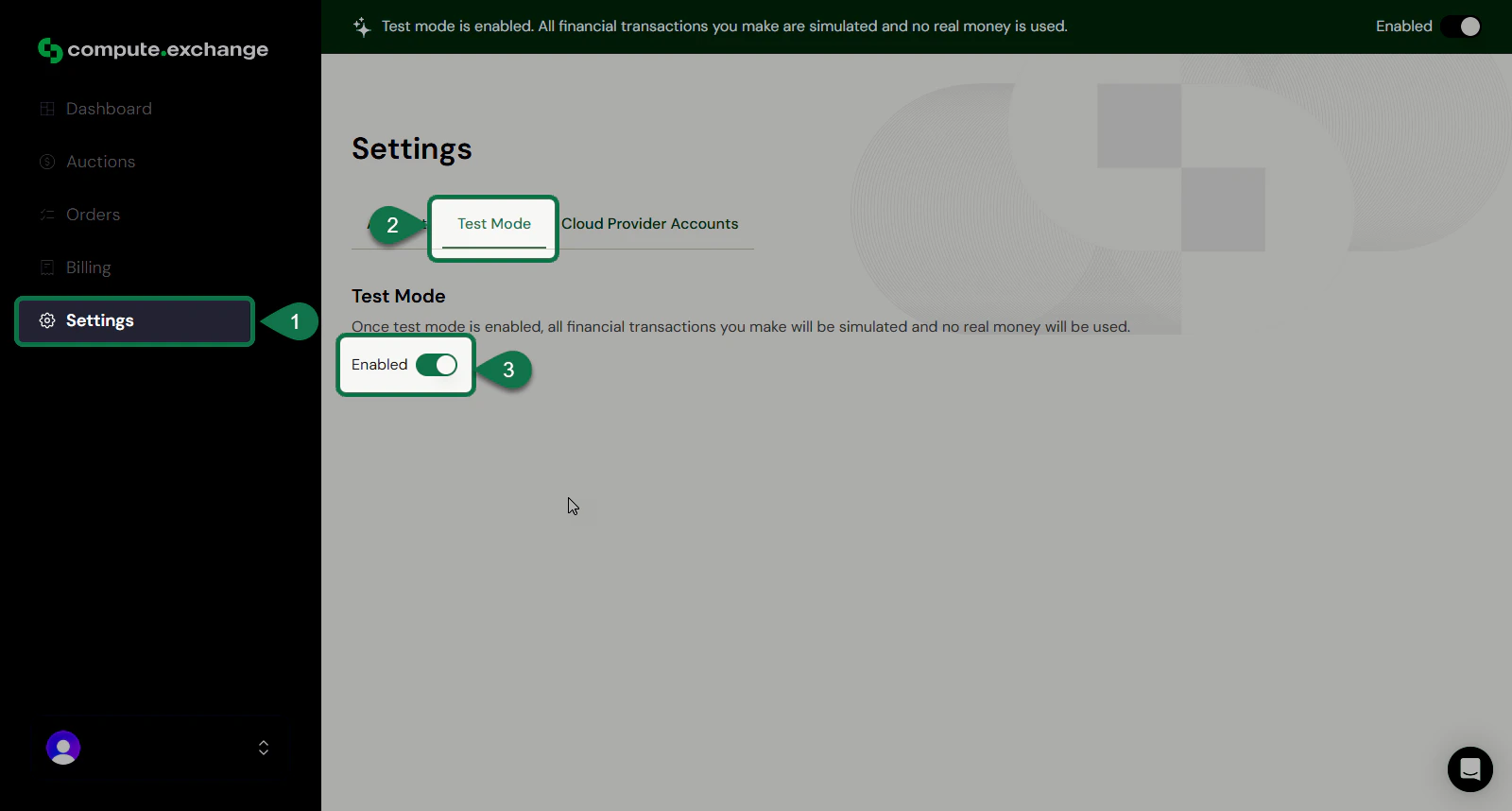 A message will be displayed on the top of the app to confirm that test mode is enabled.